
Lena Help › Administration
Connect software to Lena with an API key
Create an API key in Lena Web, what it is allowed to do, and call the REST API of Lena.
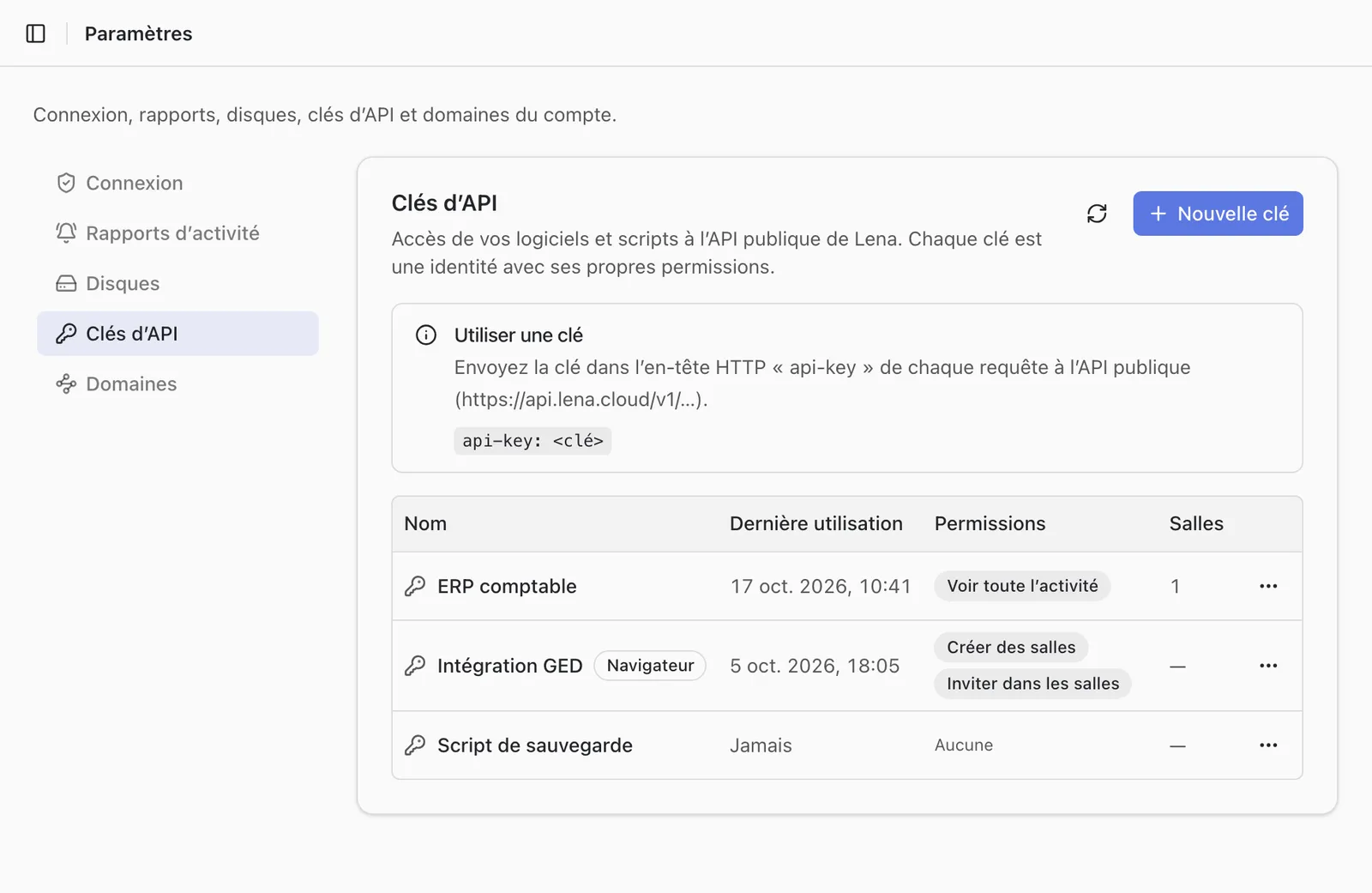
API keys
Keys are created in Lena Web, “Settings”, “API keys”. Only account administrators can create, edit or delete them.
The value of a key is displayed only when it is created. Lena keeps no readable copy of it: if you lose it, regenerate it. The old value then stops working at once; the name, groups and rights of the key do not change.
What a key can do
Each key is an identity of the account, with its own permissions.
- It only accesses the folders it has rights on, directly or through its groups, like a user.
- By default, it sees the files of protected folders but cannot read their content. The “Protected folders content” permission allows it to.
- It only accesses the rooms added under “Exchange rooms”.
- What it modifies is recorded under its name in the activity.
Call the API
The API is a REST API, at https://api.lena.cloud/v1/.
- Send the key in the
api-keyHTTP header of each request. - Requests on the files of a drive also expect the
driveheader (identifier of the drive).GET /v1/driveslists the drives the key can access.
It lets you:
- list drives, folders and files, and find an item by its path;
- upload and download files;
- create a folder, move, rename, duplicate and delete;
- read the text extracted from a file, in Markdown format;
- create a sharing link and manage its content;
- read the content of a room and manage its guests.
A question not answered here? Write to us: contact@lena.cloud