
Lena Help › Files and documents
Lena Web: your files in a browser
What Lena Web, on https://go.lena.cloud, lets you do: browse, upload, download, preview and edit files, and what differs from the Windows client.
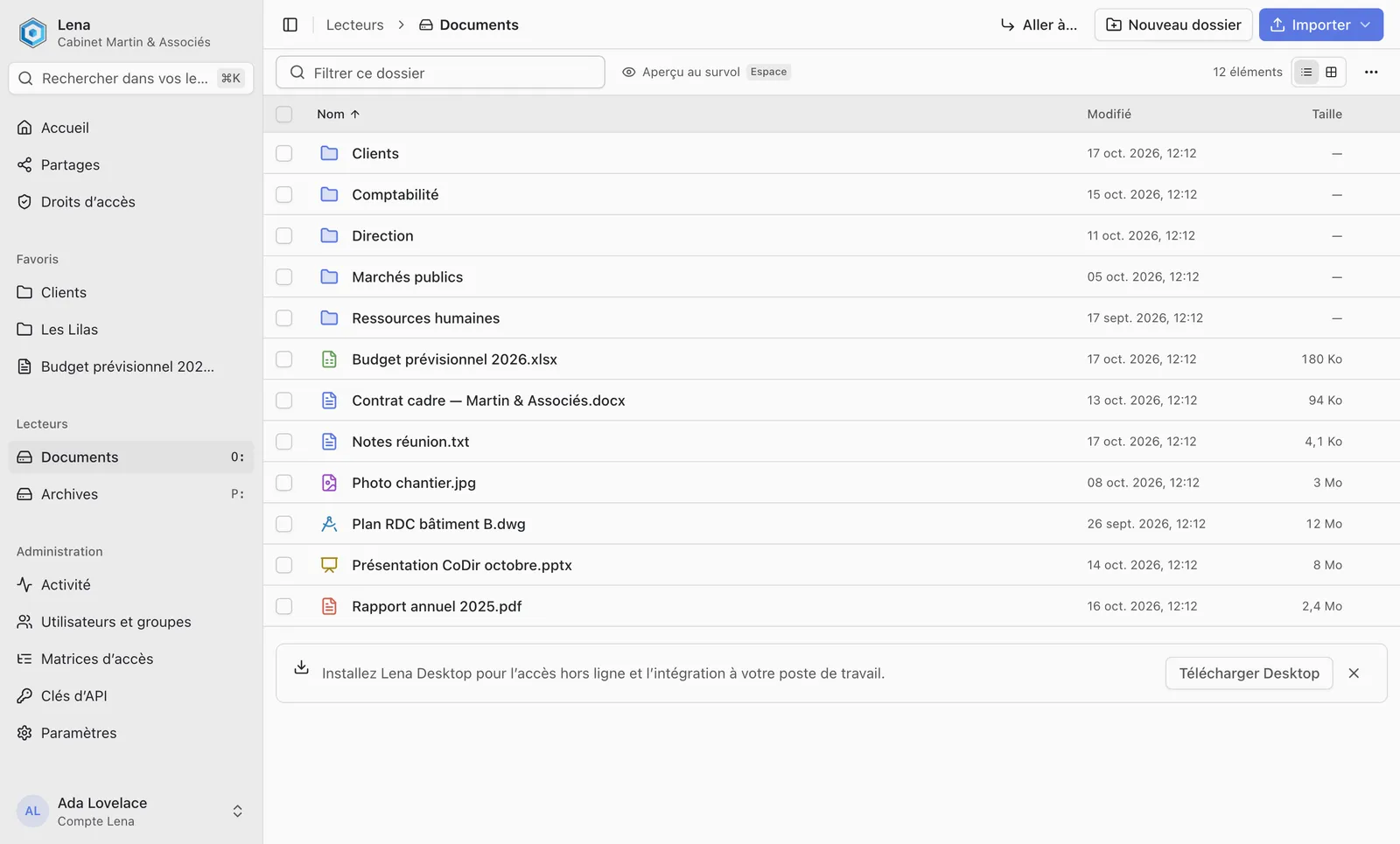
Lena Web gives access to your drives from a browser, on https://go.lena.cloud.
Browse
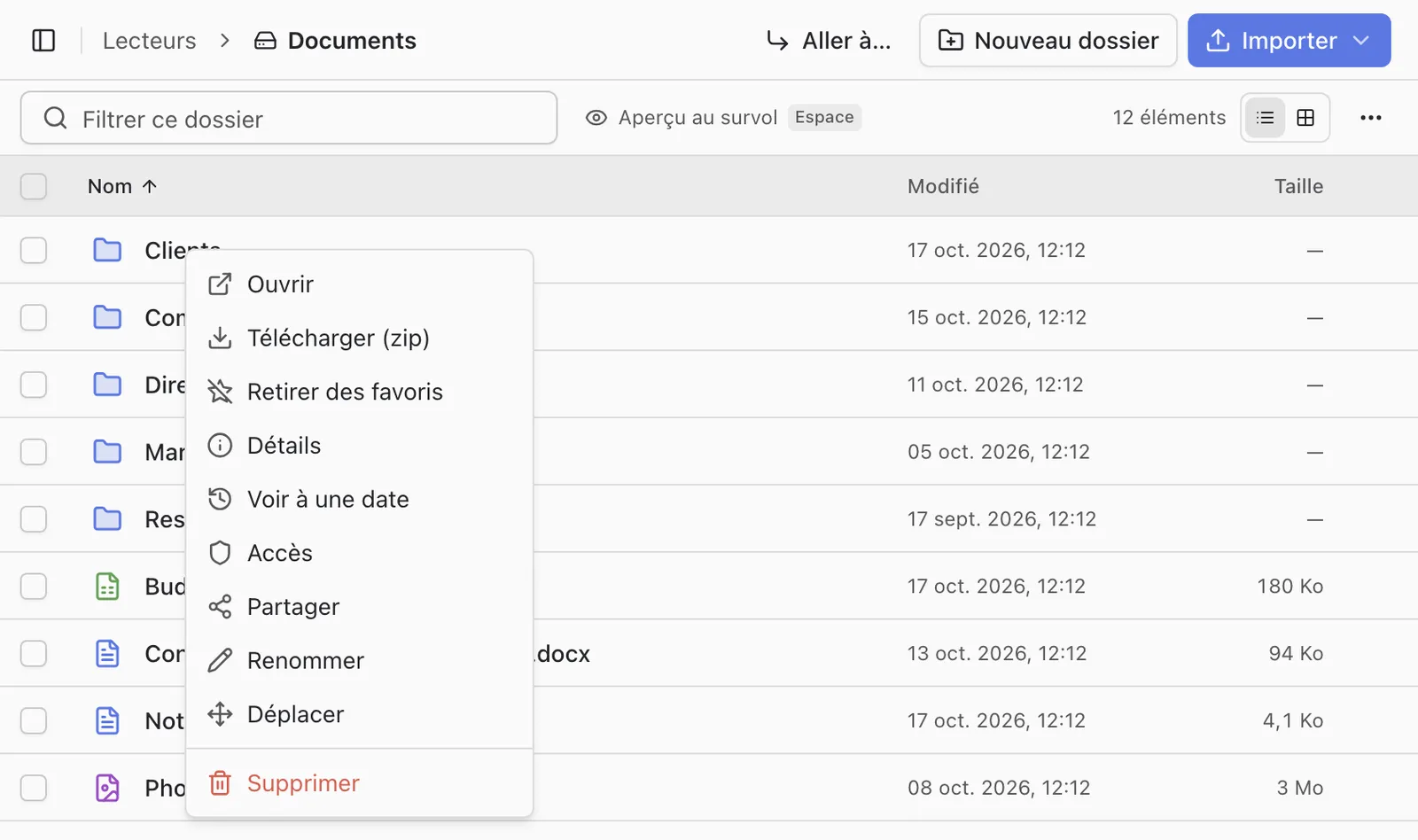
Right-clicking a file or a folder groups the actions: download, share, set the access, view the details or the state as of a past date… An entry is greyed out when your rights do not allow it.
“Go to…” opens a path you type, for example O:/Projects/2026.
Upload and download
Drag files or folders onto the page, or use “Upload”: the folder structure is kept. If items already have the same name, files are replaced and folders merged, after confirmation.
A folder or a selection is downloaded as a zip archive.
Preview and online editing
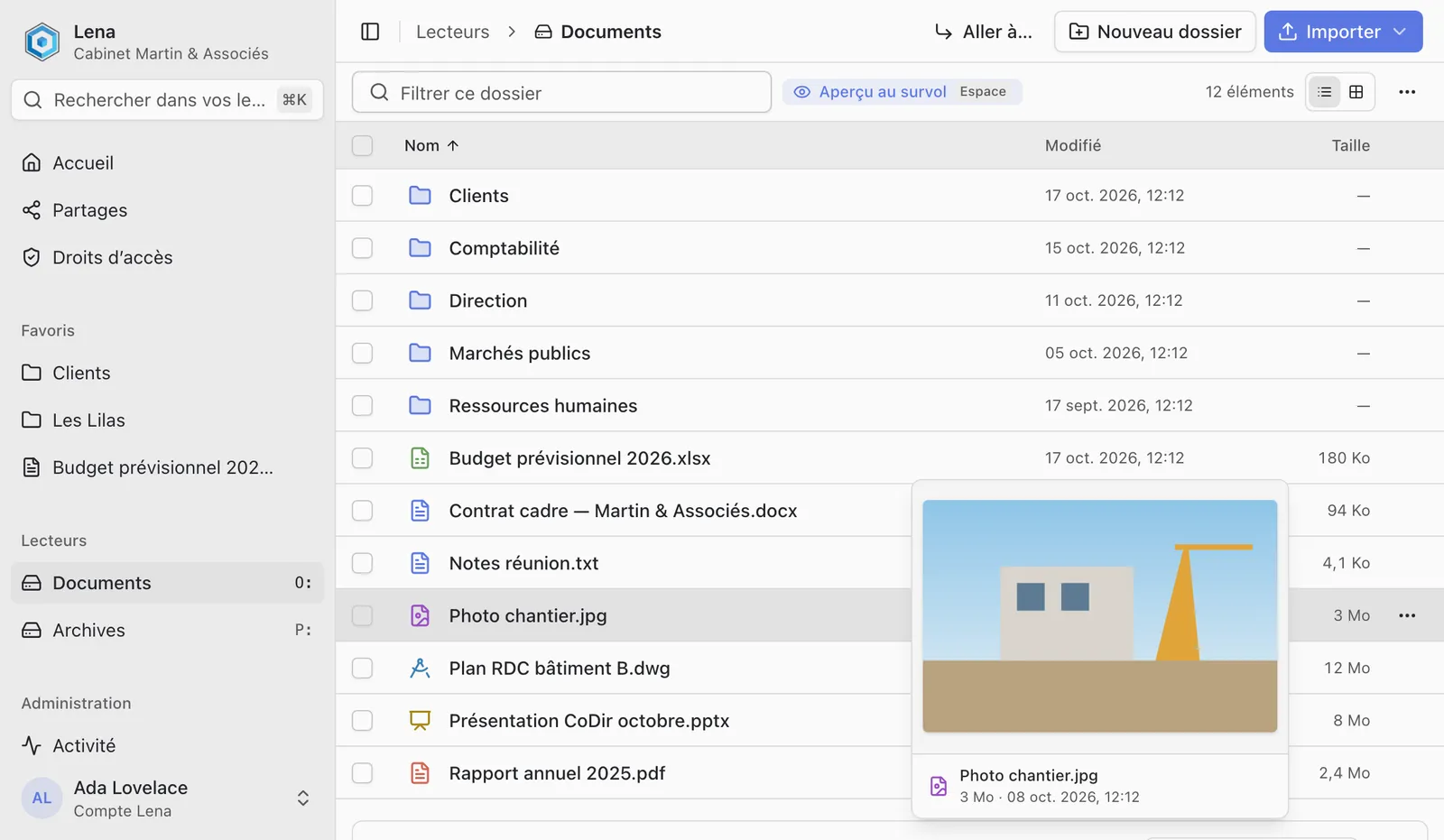
Images, PDFs, text files, 3D models and DXF drawings are displayed in the page. The Space key shows the hovered item without opening it.
Word, Excel, PowerPoint and OpenDocument documents open in the online editor: see Edit a Word, Excel or PowerPoint document in the browser.
Differences from the Windows client
- No offline access.
- The content of a protected folder is not accessible in the browser: you need the Windows client, on an authorised computer.
- Users, groups, drives and account settings are managed in Lena Web only.
A question not answered here? Write to us: contact@lena.cloud