
Lena Help › Files and documents
Edit a Word, Excel or PowerPoint document in the browser
Open an office document in Lena Web, edit it with several people at the same time and find each save in the versions of the file.
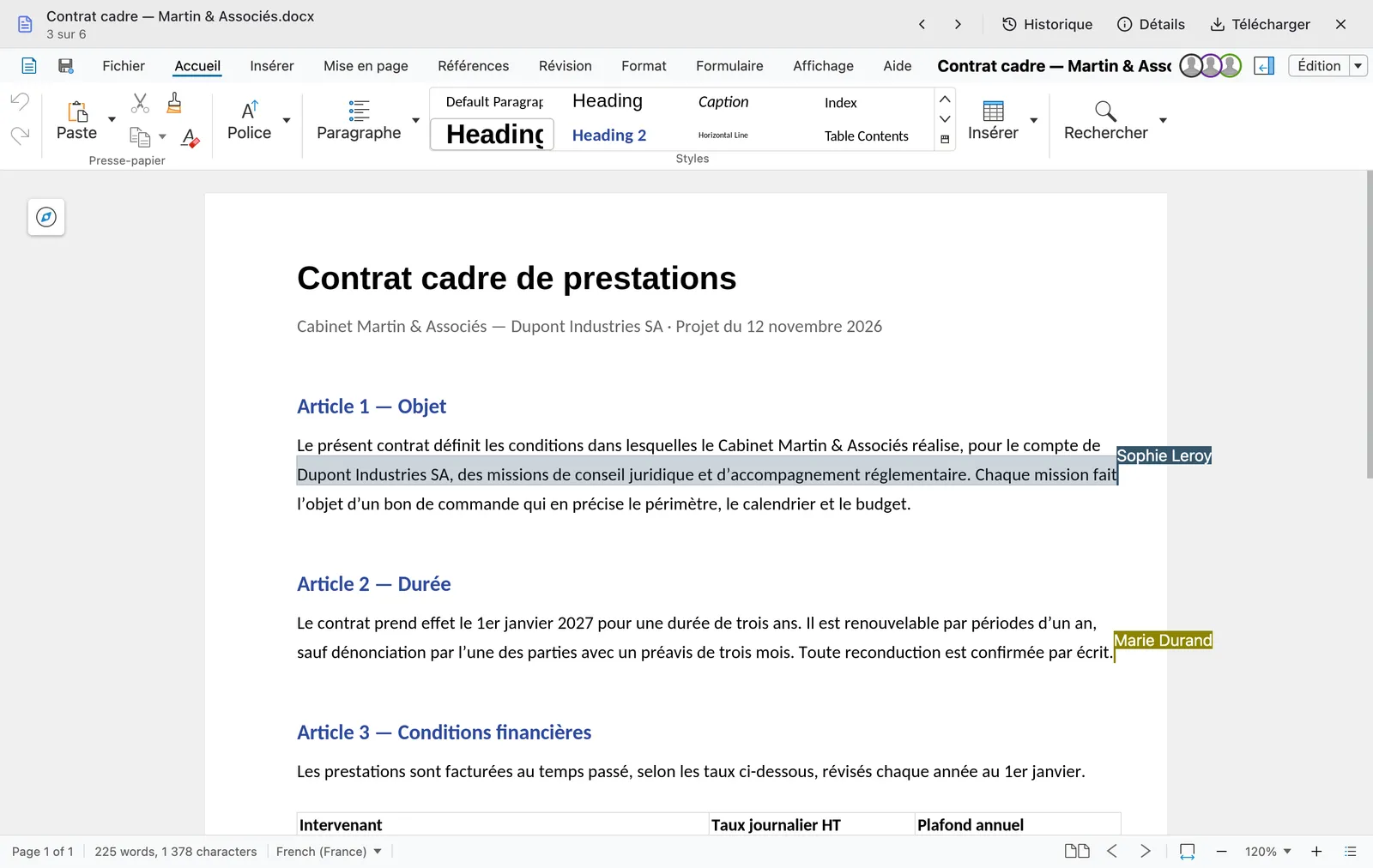
In Lena Web, a Word, Excel, PowerPoint or OpenDocument document opens in the online editor, Lena Office, built from Collabora Online. There is nothing to install.
Work with several people
People who open the same file join the same session, whether they come through a drive or through a sharing link. What each person types appears on the others’ screens as it is typed.
If the file has been replaced elsewhere in the meantime (for example saved from the Windows client), the editor asks which version to keep when you save.
Who can edit
- You need write access to the file; otherwise the document opens read-only.
- A document received through a sharing link can be edited if the link allows changes.
- A file in a protected folder opens read-only, without printing, export or copying, and with a watermark.
Versions
Each save, manual, automatic or on closing, creates a version of the file. “History” lists them and displays each one read-only. To restore one, see Get back an earlier version or a deleted file.
A question not answered here? Write to us: contact@lena.cloud